Exploring Azure Data Factory
Introduction
As someone who has primarily explored AWS and GCP, I finally had time to dive into the Azure ecosystem. Recently, I had the chance to try out Azure Data Factory (ADF) and Azure Data Lake Storage Gen 2 (ADLS). In this article, I am going to share my experience, my thoughts, and contrast ADF against traditional Python function deployments.
The primary problem ADF and ADLS aim to solve encompasses extraction, integration, and orchestration across the entire ETL/ELT pipeline. We will dive into exactly how these tools accomplish that.
User Experience
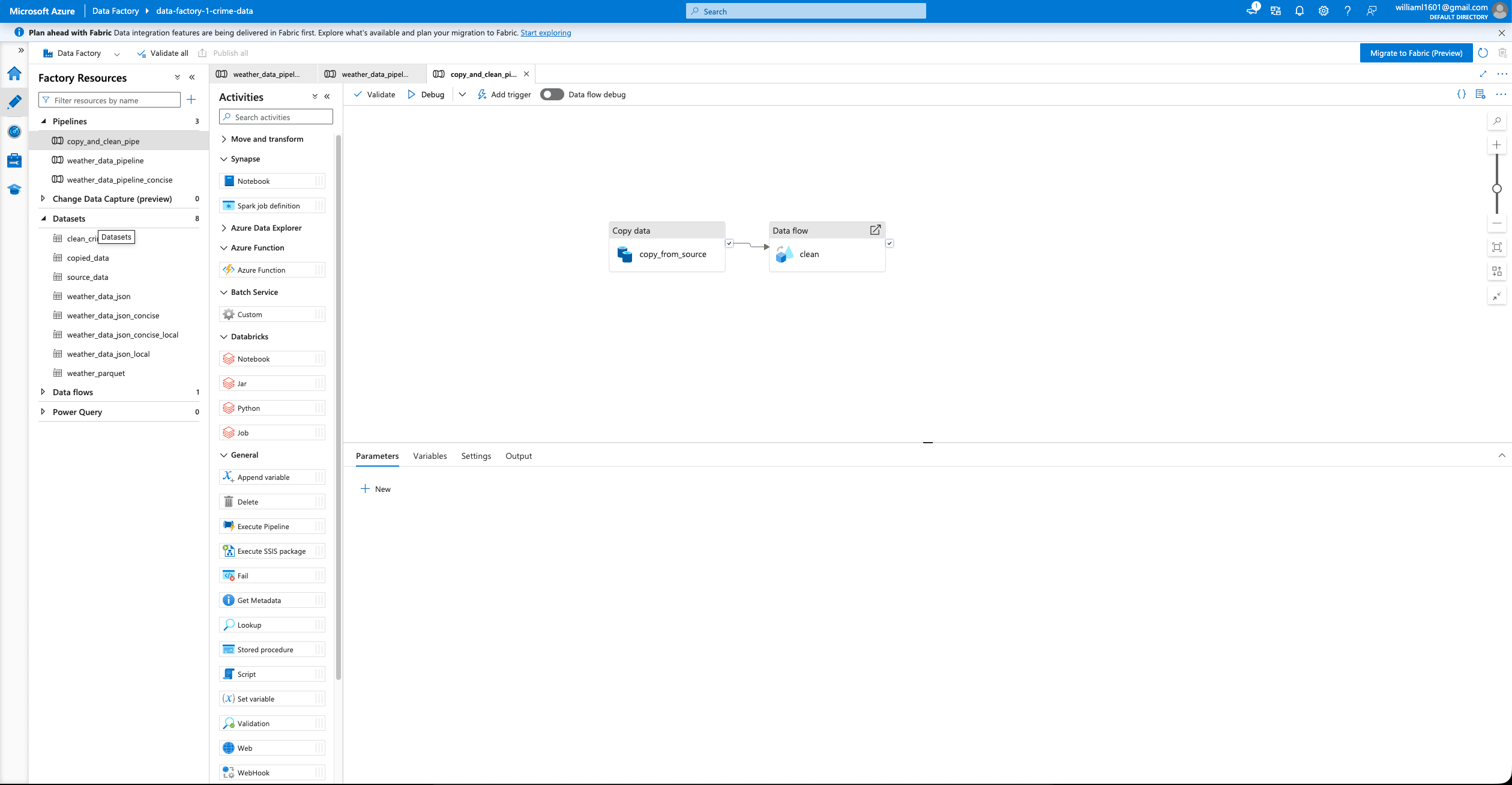
I found it very easy to figure out the interface. Generally, the tools are intuitive and user-friendly. If you have interacted with any cloud environment, it will feel somewhat familiar. Within a couple of hours, I was able to create a blob storage container, configure ADLS, and use ADF to ingest data from an external API as well as manually upload files.
As someone who usually writes Python scripts and handles data ingestion manually, I can clearly see why teams adopt these tools instead of writing custom programs from scratch. For common use cases, they are incredibly efficient.
Traditionally, I had to manage everything myself: writing the code, configuring environments and packages, handling pagination and concurrency, uploading to the cloud, and running it via a VM or cloud function. If a run failed, the debugging loop: fixing the code, re-uploading, and re-running was time-consuming and fragile. ADF bypasses much of this friction.
Performance and Flexibility
Beyond ease of use, performance and flexibility are major wins. Under the hood, ADF handles workloads using two distinct engines: the Integration Runtime (IR) for data movement and Apache Spark for data transformation.
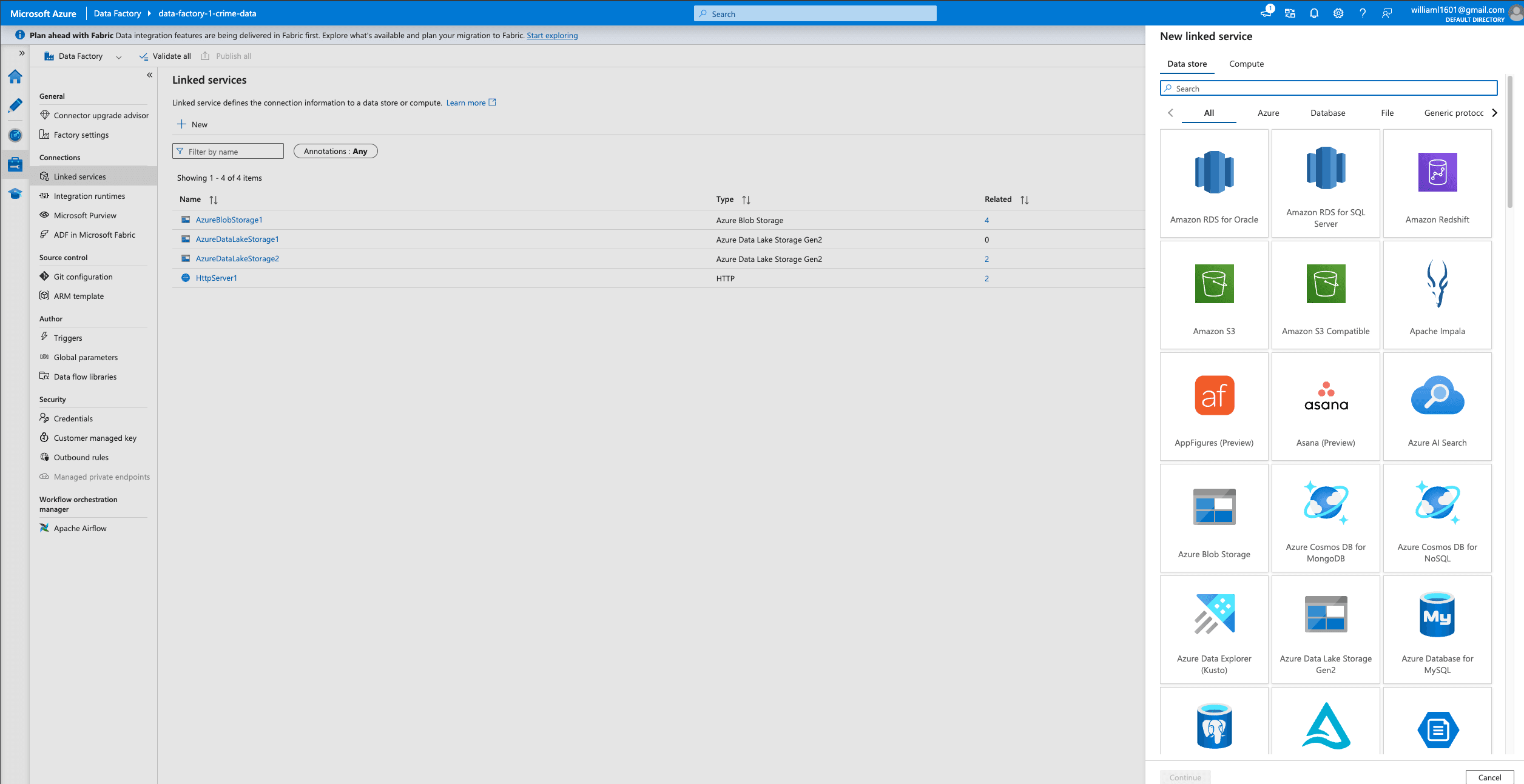
The Integration Runtime is smart and flexible, allowing you to seamlessly connect to data wherever it sits—whether on ADLS, Amazon S3, or even a web data table. For transformation, ADF leverages Apache Spark (via Mapping Data Flows), making it highly performant for large-scale operations. It is also highly extensible; you can easily connect ADF to Databricks jobs if you prefer to write custom Spark transformations.
Challanges
The main drawback of ADF is vendor lock-in. Once you have built your configurations, data transformations, and pipelines within the ADF ecosystem, it is very hard to migrate away. If Microsoft changes its pricing model or, as is currently happening, pushes users toward Microsoft Fabric you have little choice but to adapt to their roadmap.
Pricing is the other significant hurdle. I can easily see how ADF could drastically increase operational costs. In my small experiment, setting up a routine to extract data from an API every 10 minutes quickly cost me $20. While there are certainly ways to optimize pipeline execution, writing and running my own Python code on standard cloud compute would not have cost nearly as much for the same task.
Final Verdict
Ultimately, Azure Data Factory is a powerful tool. The convenience, out-of-the-box performance, and flexibility are compelling reasons to adopt it alongside ADLS Gen 2. If your priority is development speed and you have the budget to support it, ADF is a highly effective solution for managing your data pipelines.